

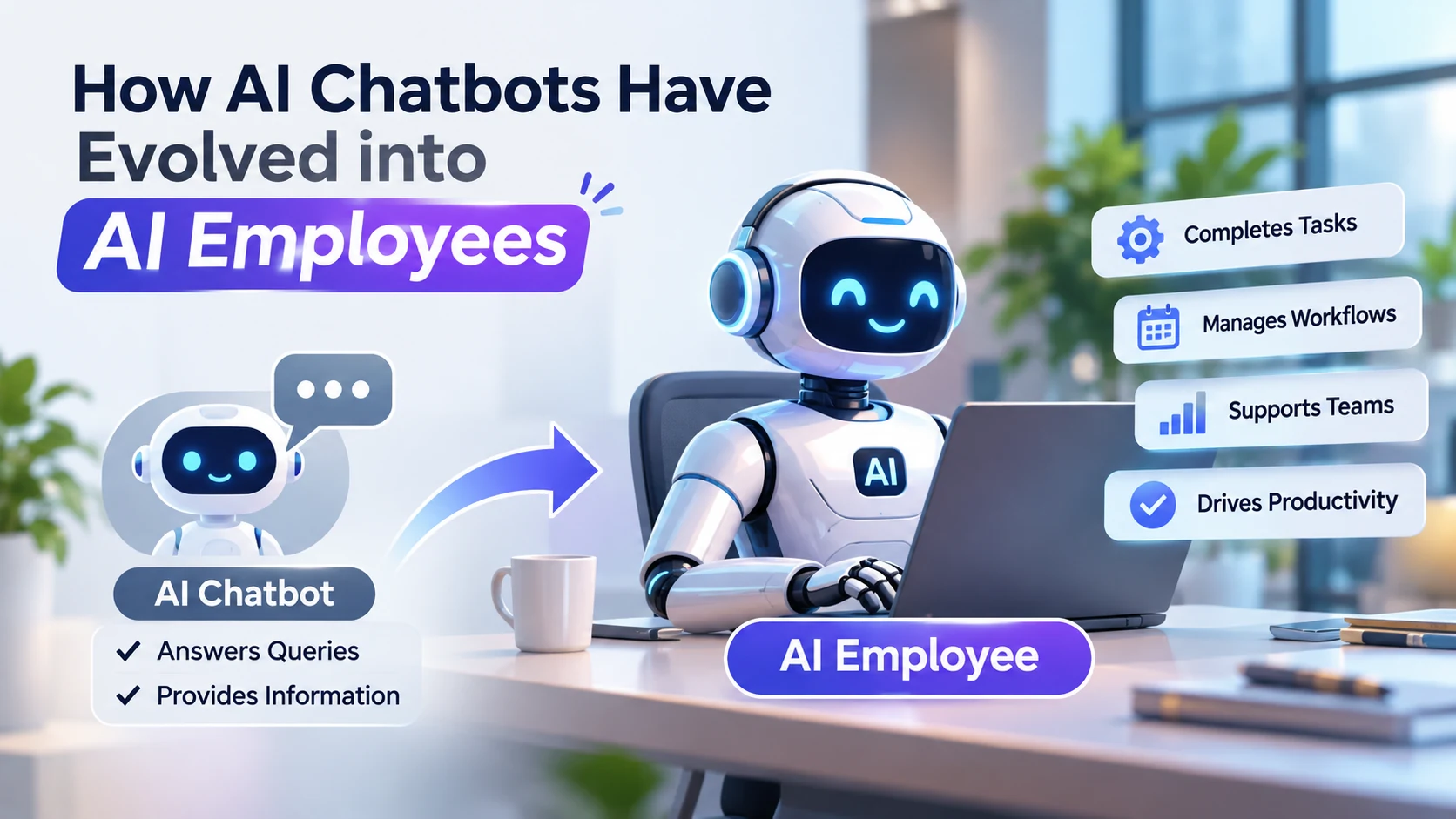
How AI Chatbots Have Evolved into AI Employees
A few years ago, chatbots could answer basic questions, share links and guide customers. Today, AI can do much more. It can understand requests, use business tools, access information and complete tasks.
This is how AI chatbots are evolving into AI employees.
The journey has moved from rule-based chatbots to AI chatbots, AI assistants, AI agents and AI digital employees. With each stage, AI has gained more context, tool access and ability to take action.
The key shift is simple: chatbots respond, AI employees act.
An AI employee is a digital worker built to handle defined business tasks and workflows. It can work with approved data, interact with business software, complete multi-step processes and escalate complex cases to humans.
Rather than replacing people, AI employees for business automation can handle repetitive work while employees focus on strategy, problem-solving and decisions that require human judgement.
So, how did AI move from answering questions to handling business tasks? Let’s explore its evolution and what it means for modern businesses.
From Chatbots to AI Employees: How Did We Get Here?
The evolution of AI in business did not happen overnight. Each stage added new capabilities and expanded what AI could do.
1. Rule-Based Chatbots
The earliest chatbots followed predefined rules.
They could answer common questions, provide basic information and guide users through fixed options. However, they struggled when a user asked something outside the programmed flow.
Their role was mainly question and answer.
2. AI Chatbots
AI chatbots introduced natural language understanding.
Instead of relying entirely on fixed responses, they could understand conversational questions and generate more relevant answers.
They could also use context from the conversation, making interactions feel more natural.
However, their main job was still to provide information and respond to users.
3. AI Assistants
AI assistants moved beyond simple conversations.
They could help users draft emails, summarise documents, find information, create content and complete productivity tasks.
The focus shifted from answering questions to helping users get work done.
4. AI Agents
The next step was AI agents.
AI agents can work toward a specific goal. They can reason through a task, use tools, retrieve information, interact with APIs and complete multiple steps.
For example, an AI agent could receive a sales lead, collect relevant information, qualify the lead, update the CRM and notify the sales team.
5. AI Employees
AI employees take automation further by working towards defined goals. They can plan multiple steps and coordinate tasks across business applications, subject to their permissions and safeguards.
For example, an AI employee handling a delayed delivery complaint could:
- Retrieve order details and check the delivery status.
- Verify the customer’s eligibility for compensation.
- Process an authorised credit.
- Update the CRM and order records.
- Notify the customer or escalate the case to a human representative.
Unlike a basic chatbot, the system coordinates multiple actions to complete a workflow. However, its autonomy depends on integration quality, task complexity and safeguards.
AI employees are designed to handle defined work, not replace human employees entirely.
Best use cases: Multi-step customer support, sales operations and repetitive administrative workflows.
Comparing four stages
Capability | Rule-based FAQ bot | Conversational chatbot | AI-assistance with tools | AI employee |
Primary function | Answer-fixed questions | Understand and answer queries | Retrieve information and perform actions
| Complete defined goals |
Autonomy | Very low | Low | Limited to configured tasks | Variable, within defined boundaries |
Integrations | Minimal | Optional | API’s, CRM and database | Coordinates connected systems |
Best use cases | FAQ’s | Customer conversions | Individual business tasks | Multi-step workflows |
These categories are a practical guide, not a strict technical classification. Modern products may combine capabilities from several stages.
AI Chatbot Trends 2026: Five Developments to Watch
Current research points towards more action-oriented AI, deeper business integrations and greater attention to measurable results. Here are five developments businesses should evaluate.
1. Agentic AI for Multi-Step Workflows
Agentic AI systems can plan steps, use tools and adjust their approach to achieve a defined goal.
For example, an AI system could check appointment availability, book a suitable slot and send a confirmation.
According to McKinsey’s 2025 State of AI survey, 62% of respondents said their organisations were at least experimenting with AI agents. However, most organisations were still in the experimentation or early scaling stages.
For businesses, the opportunity lies in automating well-defined workflows first, rather than giving AI unrestricted control over complex operations.
2. Multimodal and Voice-Based Customer Support
AI chatbots are expanding beyond text conversations to support voice interactions and other forms of input.
For example, a customer could describe a product issue verbally, share an image and receive relevant troubleshooting guidance.
Gartner’s 2026 customer service research identifies generative AI chatbots, voicebots and agentic AI platforms among the technologies expected to deliver greater value to customer service organisations.
Businesses should evaluate which channels their customers actually use before investing in voice or multimodal capabilities.
3. Context-Aware and Personalised Conversations
AI chatbots can use approved customer information, previous interactions and order details to provide more relevant responses.
For example, a support assistant could retrieve an order’s delivery status and provide an update based on the latest available information.
Personalisation depends on accurate data, reliable retrieval and appropriate access permissions. Outdated information can lead to incorrect responses, even when the conversation sounds convincing.
4. Multilingual AI for Local Customer Needs
Businesses serving customers across different regions need to consider language preferences, local terminology and the channels customers use most. In Kerala, this could mean supporting Malayalam alongside English and offering chatbot access through suitable websites or messaging channels.
For example, a retailer could help customers check order status in Malayalam, while a service provider could automate appointment enquiries through a messaging interface.
Before deployment, test the system with natural Malayalam expressions, spelling variations, mixed Malayalam-English messages and common local queries. Language support should be validated in practice rather than assumed from a tool’s advertised capabilities.
5. Measurable Outcomes and Responsible Automation
A fluent conversation does not necessarily mean a successful customer interaction. Businesses need to measure whether their AI systems complete tasks correctly and improve service quality.
Useful metrics include:
- Task completion rate: Percentage of tasks completed correctly.
- Resolution rate: Percentage of customer issues resolved successfully.
- Average handling time: Time taken to complete a request.
- Escalation rate: Percentage of cases transferred to human employees.
- Cost per completed task: Operating cost of each successful task.
- Error rate: Frequency of incorrect responses or actions.
Customer expectations also matter. In an August 2026 Gartner survey of 3,566 customers, 87% said access to a human agent was essential when companies use generative AI for customer service.
Provide a clear escalation path, require approval for sensitive actions and monitor errors after deployment. Establish baseline metrics before implementation so you can evaluate whether the solution delivers meaningful improvements.
What These Trends Mean for Businesses in Kerala
Businesses across Kerala can explore AI chatbots for specific, repetitive tasks instead of attempting to automate every customer interaction.
- Retailers: Automate order enquiries, product questions and delivery updates.
- Educational institutions: Handle admission enquiries, course information and appointment scheduling.
- Healthcare providers: Answer routine administrative questions and help patients find appointment information, while directing clinical concerns to qualified staff.
- B2B companies: Qualify leads, retrieve customer information and support CRM updates.
For businesses in Kerala, Malayalam support and WhatsApp-based interactions may be useful options where customers already rely on these channels. Their suitability depends on the audience, integration requirements and available language capabilities.
Before choosing a solution, evaluate:
- Workflow suitability: Start with a repetitive task that has a clear outcome.
- System integration: Check compatibility with existing business applications.
- Data quality: Use accurate information with appropriate access controls.
- Language support: Test Malayalam and English conversations where relevant.
- Human oversight: Define approval processes and escalation rules.
- Return on investment: Compare implementation and maintenance costs with measurable benefits.
Start with a small pilot, track task accuracy and operating costs, and expand only when the results justify it.
How to Evaluate AI Chatbot Solutions
Before investing in an AI chatbot, assess whether it can solve a real business problem.
- Reliability: Can it handle common requests and unexpected situations accurately?
- Security: Are customer data, permissions and sensitive actions adequately protected?
- Integration: Can it work with the systems your team already uses?
- Accountability: Can employees review actions, investigate errors and intervene when necessary?
- Cost: Do the expected benefits justify implementation and ongoing maintenance?
Businesses can also explore BeanOrbit’s resources on Vertical AI Agents and AI Agent Readiness to understand specialised AI applications and prepare for adoption.
Are AI Employees the Future of Business Automation?
AI is moving beyond systems that simply answer questions. The progression is increasingly about AI that can assist, reason, use tools and take action. AI employees are one way businesses can apply these capabilities to everyday operations. The practical model is not necessarily about handing every decision to AI. Instead, businesses can combine human expertise with AI automation. People can focus on strategy, relationships, creativity, problem-solving and high-stakes decisions. AI can handle repetitive information processing, coordination and defined operational tasks. This creates a digital workforce that works alongside human teams.
Conclusion
The evolution from chatbots to AI employees is ultimately a shift from conversation to execution.
Chatbots introduced automated conversations. AI assistants expanded productivity support. AI agents added reasoning, tool use and task execution. AI employees bring these capabilities into defined, ongoing business workflows.
But AI alone does not create business value. The real value comes from software integration, clear workflows, controlled permissions, measurable objectives and human oversight.
For businesses exploring AI employee solutions, the starting point is to identify repetitive work that can be automated without taking humans out of important decisions.
Want to explore where an AI employee could fit into your business? Beanorbit can help to identify suitable workflows, design custom AI agents and integrate AI into your existing business systems.
Frequently Asked Questions
● What are AI employees?
AI employees are digital workers designed to handle defined business tasks and workflows. They can use approved data, business software and APIs to complete tasks and escalate complex cases to humans.
● How are AI chatbots evolving?
AI chatbots are moving from answering questions to performing tasks. Modern AI systems can understand context, use tools, access business systems and complete multi-step workflows.
● What is the difference between an AI chatbot and an AI agent?
An AI chatbot mainly focuses on conversation and information. An AI agent can reason toward a goal, use tools and execute tasks across defined workflows.
● How are AI agents different from AI employees?
An AI agent is generally designed to complete specific tasks or goals. An AI employee is typically assigned an ongoing business role with defined responsibilities, permissions and workflows.
● How can businesses use AI employees?
Businesses can use AI employees for customer support, sales, HR, finance, marketing, IT and operations. Common tasks include lead qualification, ticket handling, data processing, reporting and workflow coordination.
● Can AI employees replace human employees?
AI employees are primarily used to automate repetitive tasks and support human teams. Businesses can keep humans involved in complex decisions, sensitive processes and situations requiring judgement.
● How do you build an AI employee?
Start by selecting a repetitive workflow, defining the AI’s role, connecting required tools and data, setting permissions, adding human escalation rules and testing the workflow before deployment.

Ajay Mon K S is the Founder & CEO of BeanOrbit International LLP, an AI-driven software company. With over seven years of experience, he leads the company's vision and business growth.
